

-
Edit the card you want to change
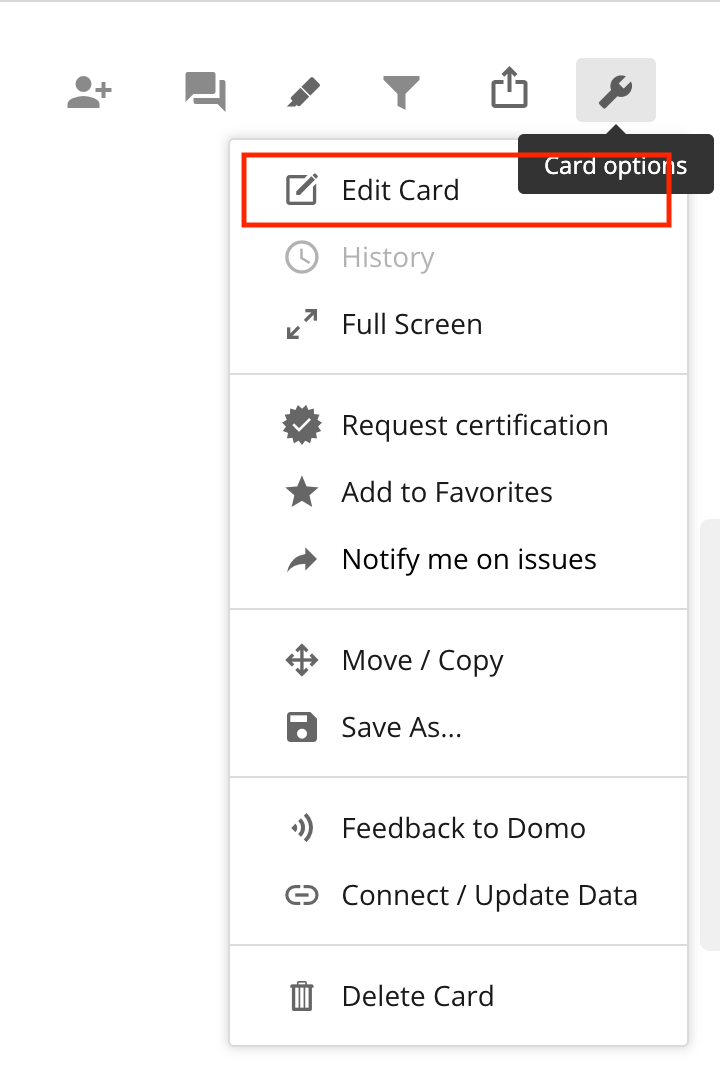
-
In the card edit view, click the icon in the top left
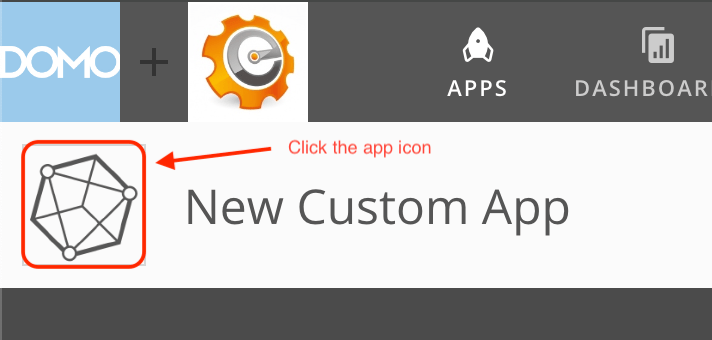
-
Click the back button to get back to leave the asset view and see all your asset library assets
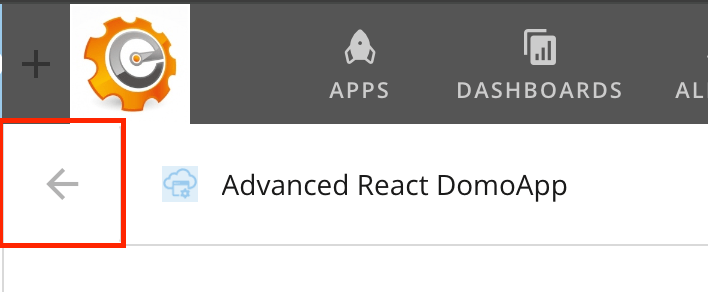
-
Find the asset you want to use and click
SELECT DESIGN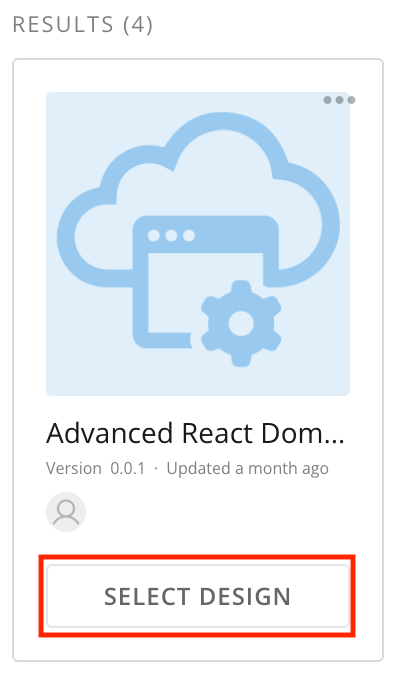
-
Click
SAVE AND FINISH
Change which asset powers the card
Sometimes we have multiple designs for the same project. Instead of having to recreate the card from the new design, we can just swap them out.