domo.onDataUpdated function to manage how the app responds to updates made to the underlying DataSet. Without this function, the app would be reloaded each time that underlying data was updated, which could lead to a bad user experience if the app refreshed in the middle of a user interaction. This is particularly painful with SPA apps where the user may have navigated to a sub route in the app and then get kicked back to the main route because the data refreshed.
Getting Started
Sample Data
Copy the table below and paste it into a new Domo Webform, then note the DataSet ID.| name | total | |
| Alice Johnson | alice.johnson@example.com | 8240 |
| Bob Martinez | bob.martinez@example.com | 5130 |
| Carol White | carol.white@example.com | 9870 |
| David Kim | david.kim@example.com | 4560 |
| Eva Rossi | eva.rossi@example.com | 7810 |
| Frank Nguyen | frank.nguyen@example.com | 3290 |
| Grace Chen | grace.chen@example.com | 6450 |
| Henry Okafor | henry.okafor@example.com | 11200 |
domo init
Run thedomo init command.
- design name: live-data-demo
- select a starter: hello world
- would you like to connect to any datasets?: Yes
- dataset id: the Id of the DataSet you just created
- dataset alias: sales
- add another dataset? No
index.html
Replace theindex.html content with the following:
Publish
Add a thumbnail Download the sample below and place it in your project root asthumbnail.png. The file must be exactly 300×300 pixels.
Download thumbnail.png (300×300)
Publish

Development
We’ll be making a few changes to the
app.js file. Replace the current contents with the following:
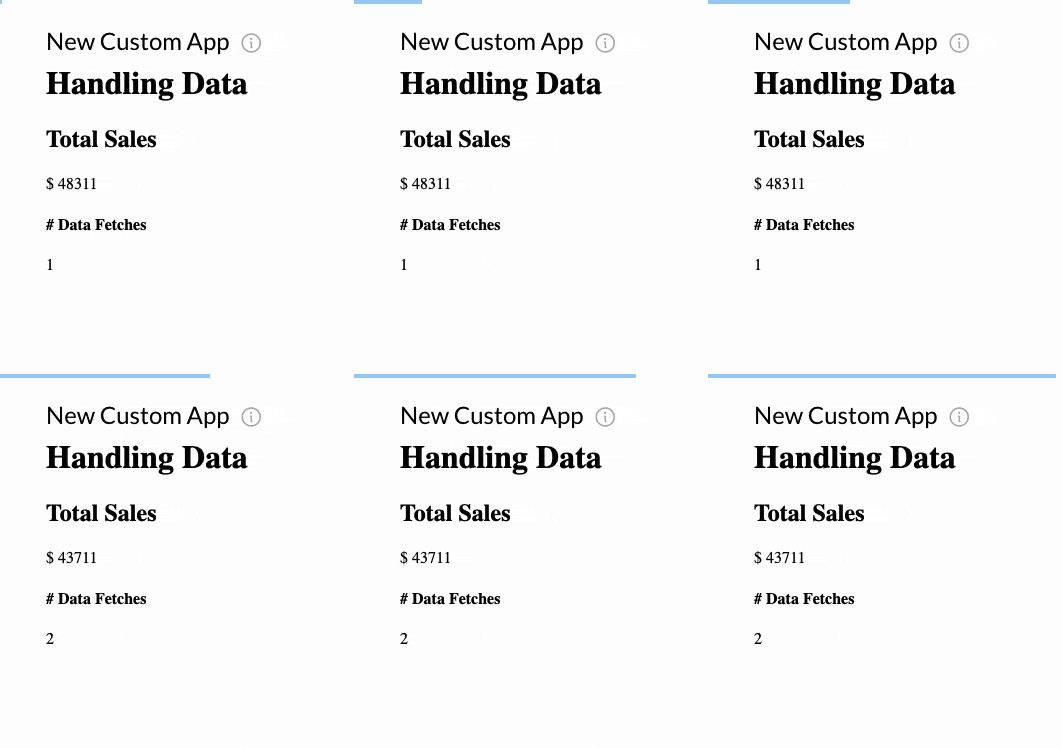
counter variable would never increment. It would always show as 1 because the app would always do a full refresh each time the data updated.
Publish the design, create a new app card using that design, and then in a new tab update a row in the Webform DataSet — watch the app card to see it reload.
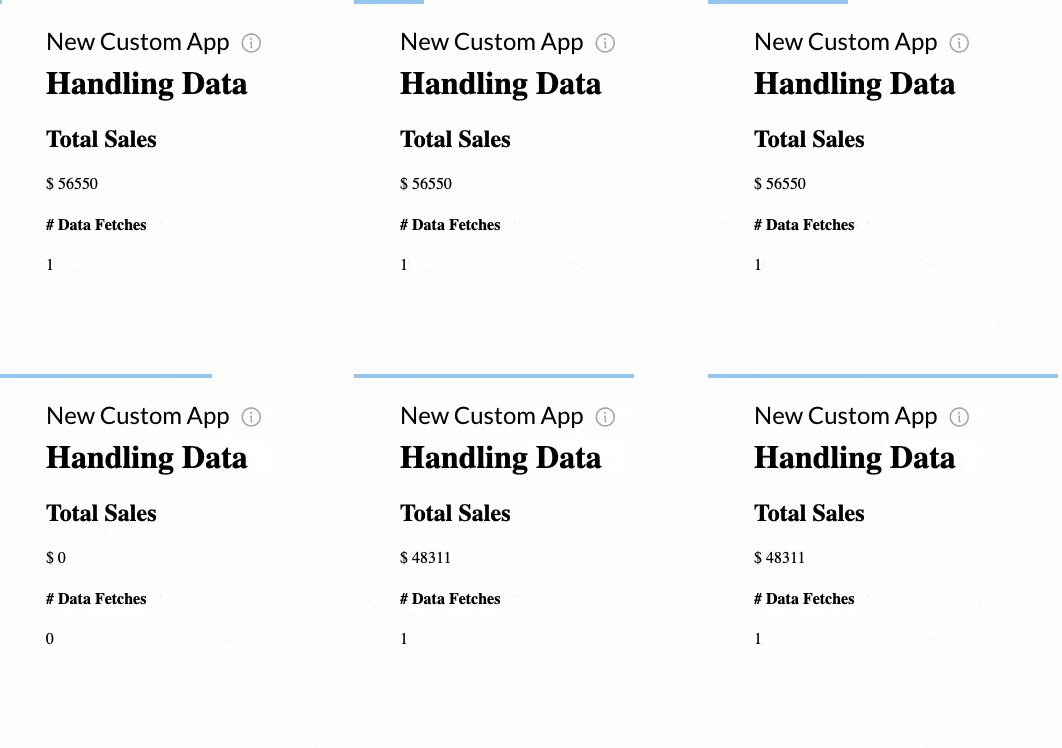
Adding domo.onDataUpdated()
See how the app did a full page reload after the DataSet was updated and the counter remained at 1? Now we’ll add a domo.onDataUpdated() event listener to take control of how our app responds to data updates. Add the following function inside your script.