

- In Workbench, Click in the left-hand icon bar.
- In the Jobs listing, double-click the DataSet job with columns you want to filter.
- Click Transforms to expand that section of the pane.
- In the Add a transform menu, select Filter Transform.
-
Click the
 button.
The Filter Transform Editor appears.
button.
The Filter Transform Editor appears.
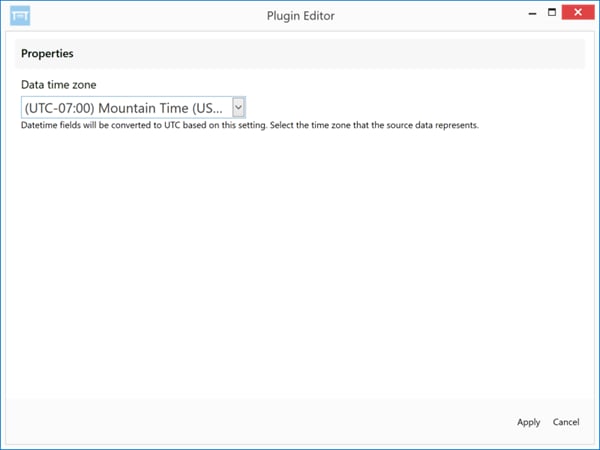
- In the Data Timezone menu, select the desired time zone.
- Click Apply.
- Click the save icon at the top of the pane to save your transform.