> ## Documentation Index
> Fetch the complete documentation index at: https://domoinc-openapi-sync-dataflows.mintlify.site/llms.txt
> Use this file to discover all available pages before exploring further.
# Advanced Tools Launch Center
## Intro
The Advanced Tools Launch Center allows you to explore all the data tools Domo has to offer in one convenient place. From connecting and transforming your data to managing your Domo instance, find the solution you need for your business. As more features are created, they will automatically be added here so that you can keep up to date on what is new in Domo.
## Accessing the Advanced Tools Launch Center
To access the Advances Tools Launch Center, click the **Data** icon in the top navigation pane and select the **Advanced Tools** menu.
 ## Navigation the Advanced Tools Launch Center
The Advanced Tools Launch Center contains a Search bar that allows you to quickly type in keywords to find what you are looking for. Each tool has a **Learn More** link to get more information and a **Get Started** link to start the process of obtaining the tool. There are also eight quick filter tabs that you can select to filter the data by category:
* [Connect](#h_01F9F60P5FAKRAGTQH1568KZ60)
* [Transform](#h_01F9F60WC36SNHV6G6QX1DRYJT)
* [Data Science](#h_01F9F612CD462CQA751D0ZNT54)
* [Integration](#h_01F9F6180RH9DCTGGCXX4KM48W)
* [Governance](#h_01F9F61NG5VR8B3M88Z3SNEJ4D)
* [IoT](#h_01F9F61VCYEQSCKPYJ7P0ME6W6)
* [Services & More](#h_01F9F621VACSC2X074SSN9D6AY)
## Navigation the Advanced Tools Launch Center
The Advanced Tools Launch Center contains a Search bar that allows you to quickly type in keywords to find what you are looking for. Each tool has a **Learn More** link to get more information and a **Get Started** link to start the process of obtaining the tool. There are also eight quick filter tabs that you can select to filter the data by category:
* [Connect](#h_01F9F60P5FAKRAGTQH1568KZ60)
* [Transform](#h_01F9F60WC36SNHV6G6QX1DRYJT)
* [Data Science](#h_01F9F612CD462CQA751D0ZNT54)
* [Integration](#h_01F9F6180RH9DCTGGCXX4KM48W)
* [Governance](#h_01F9F61NG5VR8B3M88Z3SNEJ4D)
* [IoT](#h_01F9F61VCYEQSCKPYJ7P0ME6W6)
* [Services & More](#h_01F9F621VACSC2X074SSN9D6AY)
 ## Connect
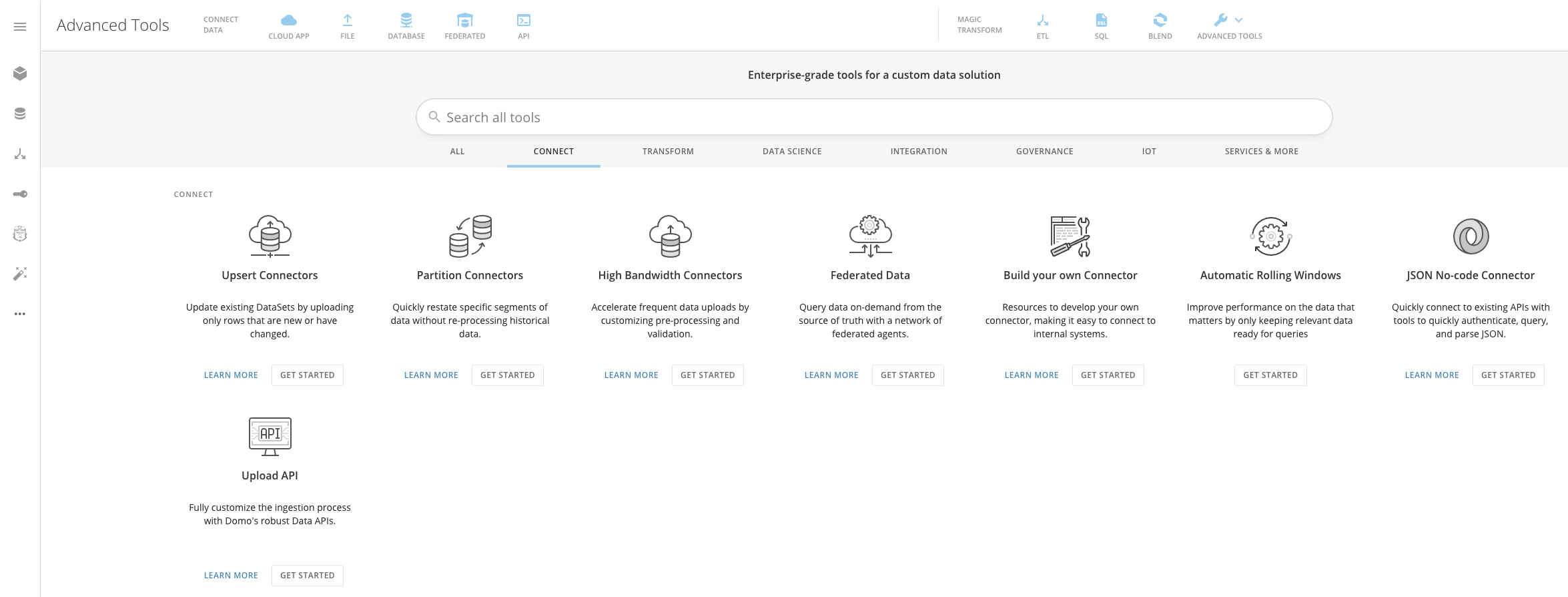
The Connect quick filter shows all of the options you have for pulling your data into Domo, such as:
* Upsert Connectors
* Partition Connectors
* Federated Data
## Connect
The Connect quick filter shows all of the options you have for pulling your data into Domo, such as:
* Upsert Connectors
* Partition Connectors
* Federated Data
 ## Transform
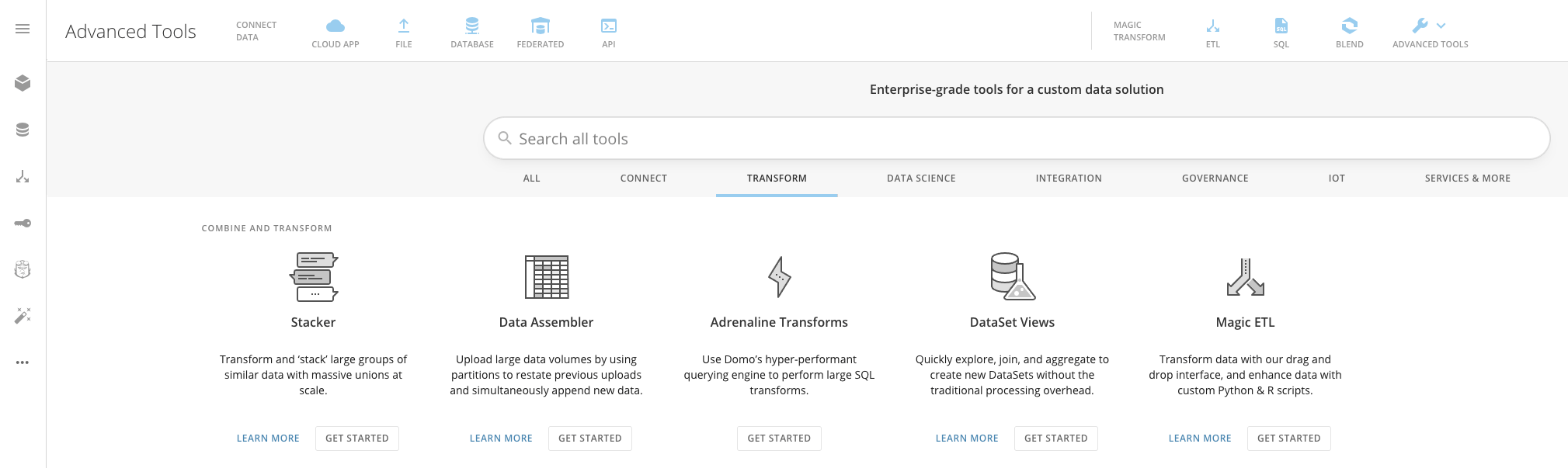
The Transform quick filter shows all of the options you have for combining your data in Domo, such as:
* Stacker
* Adrenaline Transforms
* DataSet Views
## Transform
The Transform quick filter shows all of the options you have for combining your data in Domo, such as:
* Stacker
* Adrenaline Transforms
* DataSet Views
 ## Data Science
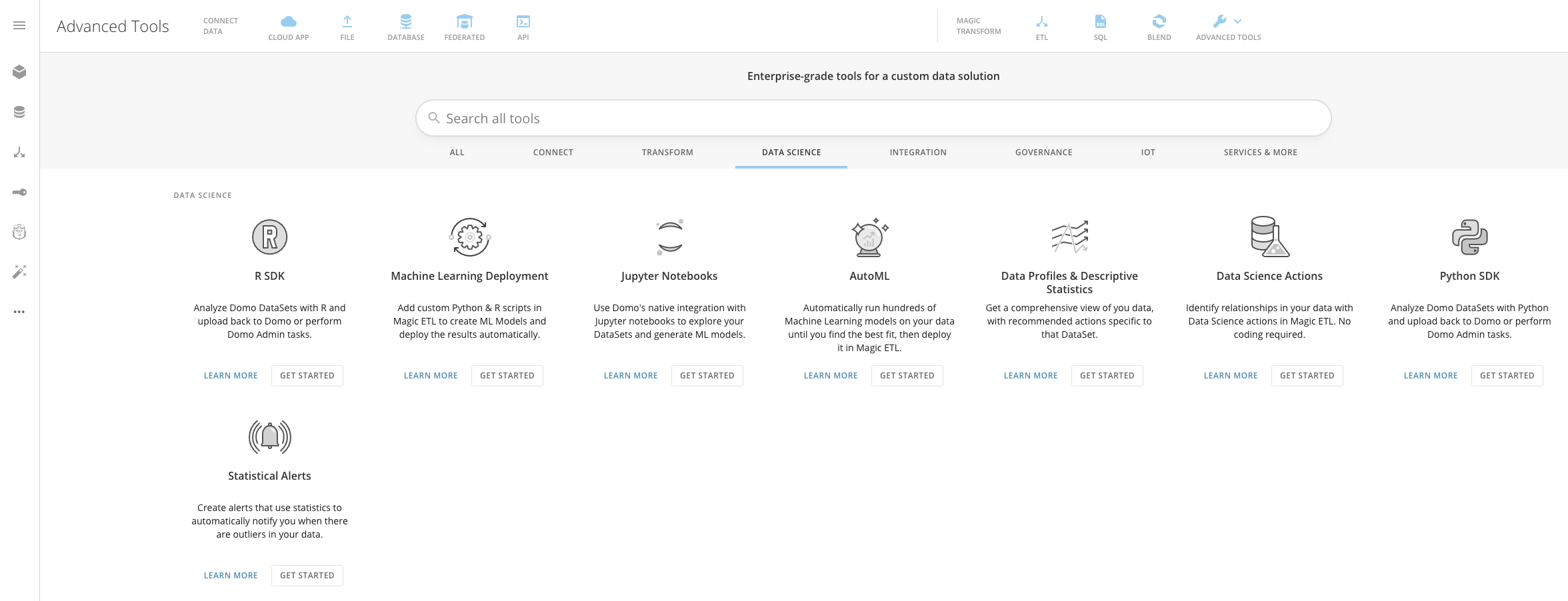
The Data Science quick filter shows all of the options you have for using common data science tools in Domo, such as:
* R SDK
* Python SDK
* AutoML
## Data Science
The Data Science quick filter shows all of the options you have for using common data science tools in Domo, such as:
* R SDK
* Python SDK
* AutoML
 ## Integration
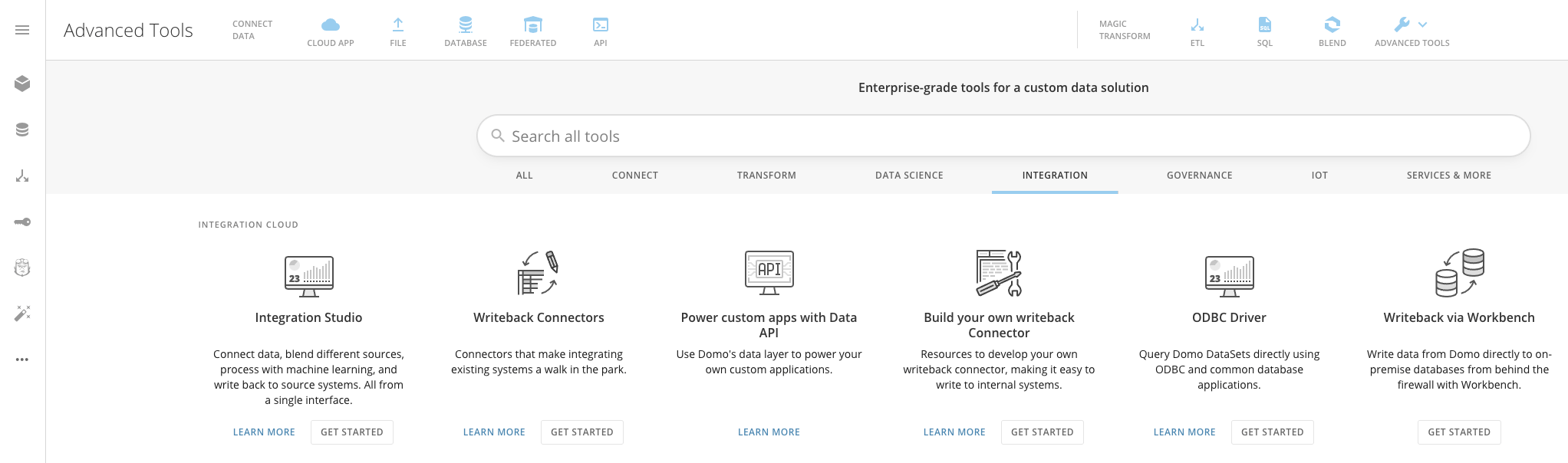
The Integration quick filter shows all of the options you have for sending your data from Domo into your data warehouse, such as:
* Integration Studio
* Writeback Connectors
* ODBC Driver
## Integration
The Integration quick filter shows all of the options you have for sending your data from Domo into your data warehouse, such as:
* Integration Studio
* Writeback Connectors
* ODBC Driver
 ## Governance
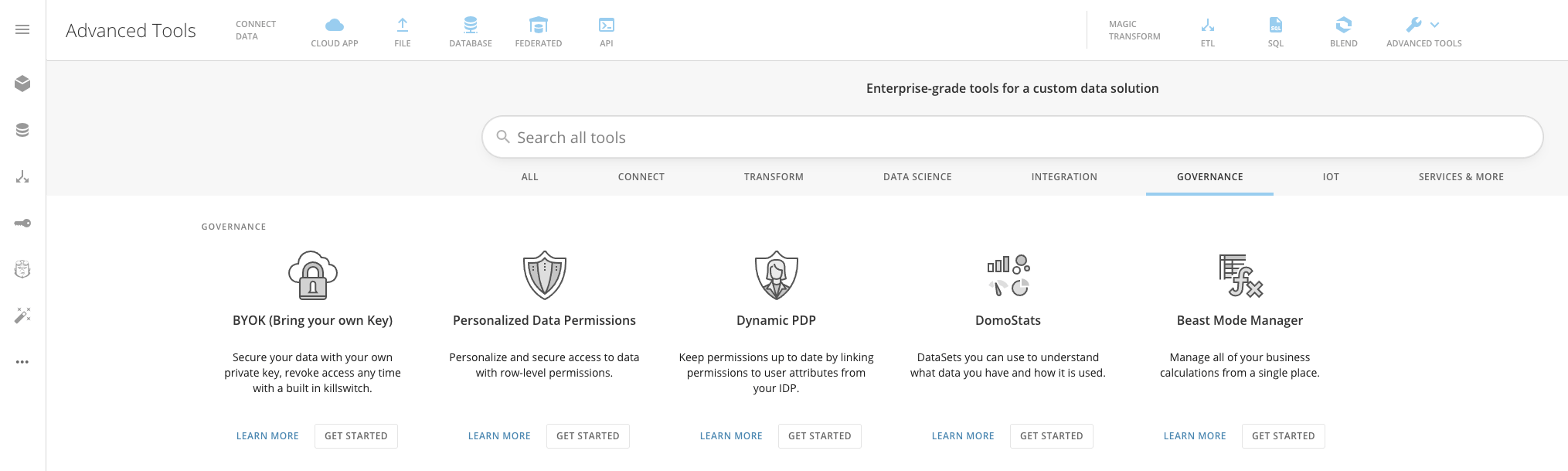
The Governance quick filter shows all of the options you have for managing your Domo instance, such as:
* Dynamic PDP
* DomoStats
* Beast Mode Manager
## Governance
The Governance quick filter shows all of the options you have for managing your Domo instance, such as:
* Dynamic PDP
* DomoStats
* Beast Mode Manager
 ## IoT
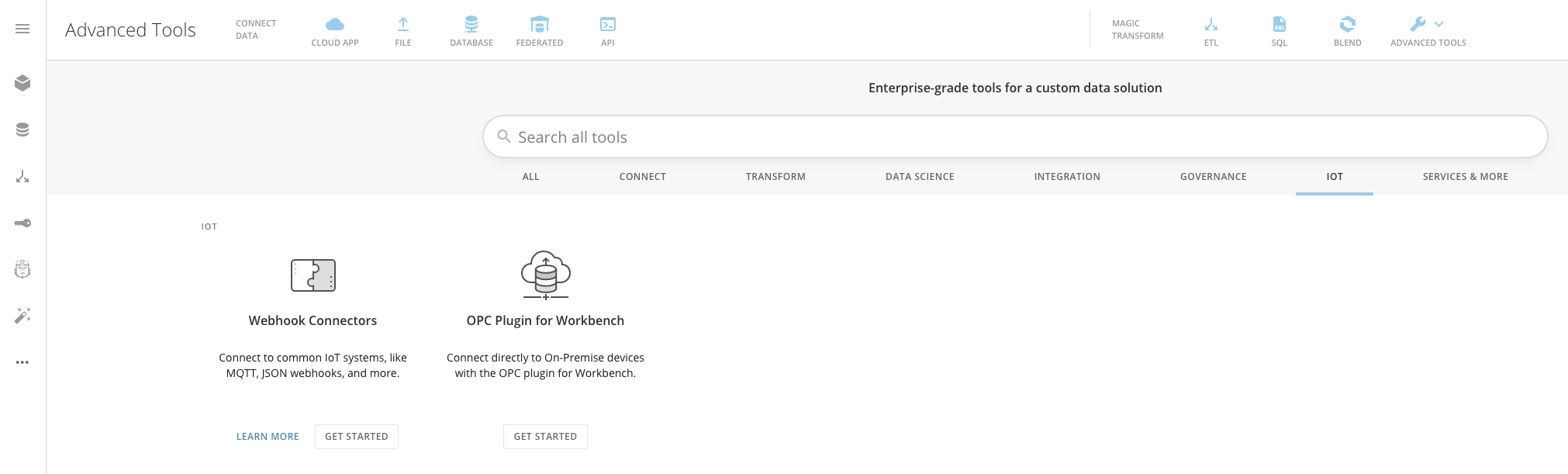
The IoT quick filter shows all of the options you have for connecting to IoT and on-premise devices, such as:
* Webhook Connectors
* OPC Plugin for Workbench
## IoT
The IoT quick filter shows all of the options you have for connecting to IoT and on-premise devices, such as:
* Webhook Connectors
* OPC Plugin for Workbench
 ## Services & More
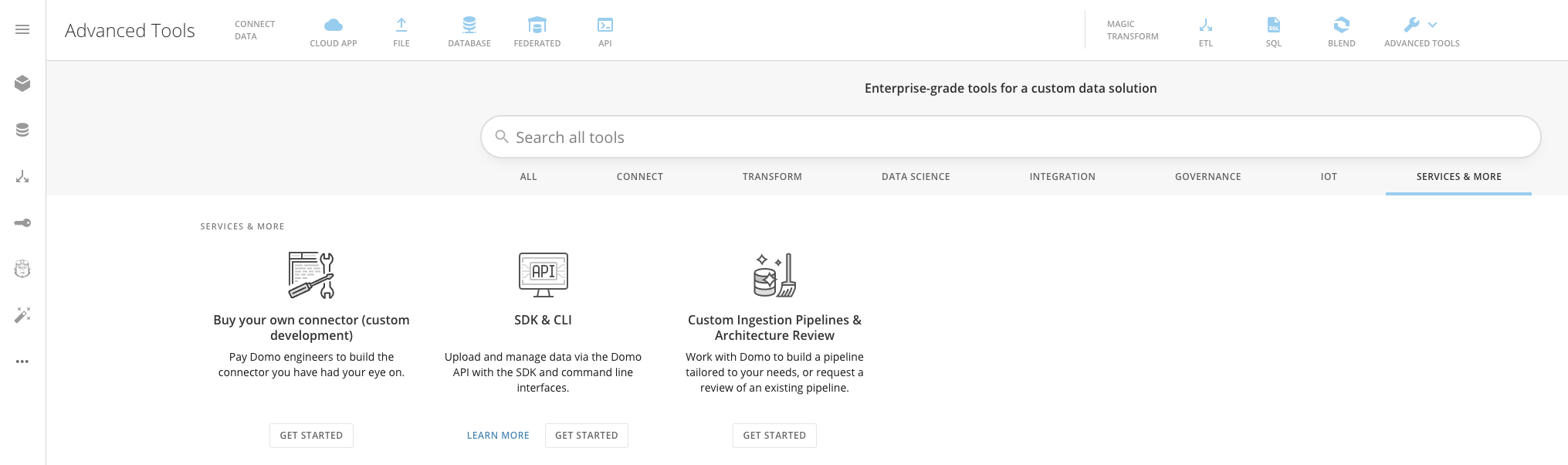
The Services & More quick filter shows all of the options you have for purchasing Domo custom services, such as:
* Buy your own Connector (custom development)
* SDK & CLI
* Custom Ingestion Pipelines & Architecture Review
## Services & More
The Services & More quick filter shows all of the options you have for purchasing Domo custom services, such as:
* Buy your own Connector (custom development)
* SDK & CLI
* Custom Ingestion Pipelines & Architecture Review