> ## Documentation Index
> Fetch the complete documentation index at: https://domoinc-openapi-sync-dataflows.mintlify.site/llms.txt
> Use this file to discover all available pages before exploring further.
# Domo Platform Tour
export const InlineImage = ({src, alt = '', height = '1.6em'}) => {
return  ;
};
### Intro
Welcome to Domo! Let's explore the key features and tools you'll use in your Domo instance. This guide will help you find and utilize the essential elements of Domo effectively.
***
### Dashboards
You can access your dashboards in the left navigation by selecting **Features** > **Dashboards**.
# Manage Dashboards
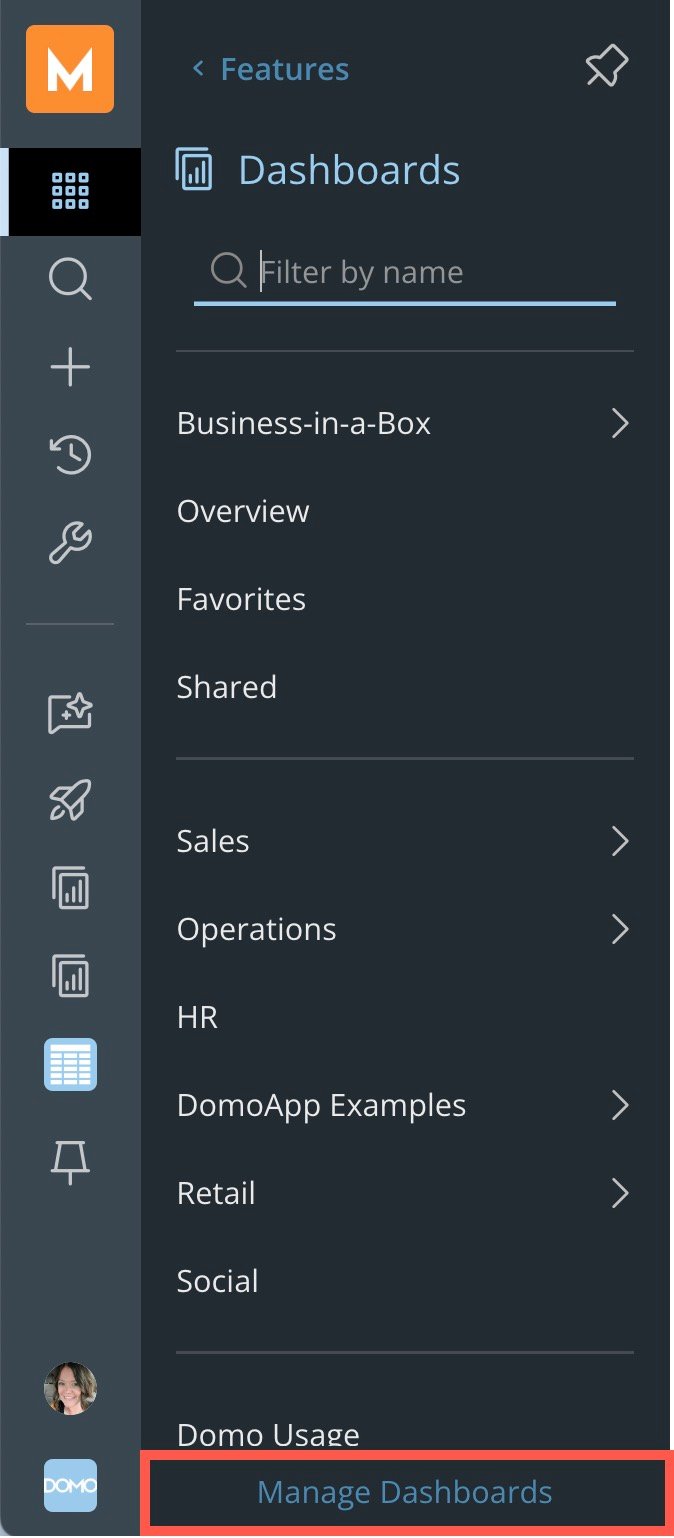
From the **Dashboards** side panel, select **Manage Dashboards** to create new dashboards or customize the order of existing dashboards. Remember, your arrangement doesn't affect other users.
;
};
### Intro
Welcome to Domo! Let's explore the key features and tools you'll use in your Domo instance. This guide will help you find and utilize the essential elements of Domo effectively.
***
### Dashboards
You can access your dashboards in the left navigation by selecting **Features** > **Dashboards**.
# Manage Dashboards
From the **Dashboards** side panel, select **Manage Dashboards** to create new dashboards or customize the order of existing dashboards. Remember, your arrangement doesn't affect other users.
 #### Create a Sub-Dashboard
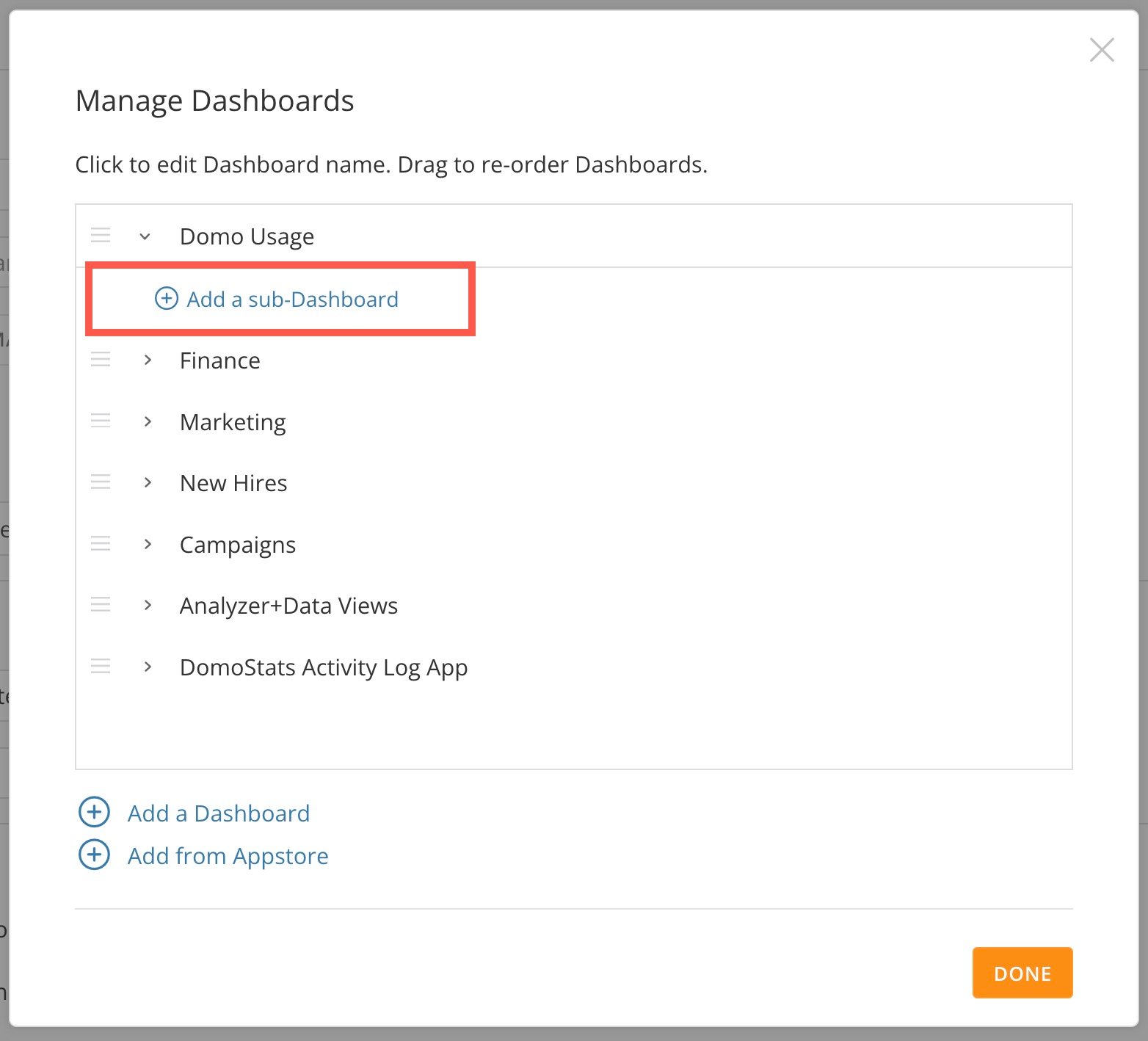
Sub-dashboards add a layer of organization to the dashboard view. To create a sub-dashboard from the **Manage Dashboards** modal, select the arrow next to a top-level dashboard and select **Add a sub-Dashboard**.
#### Create a Sub-Dashboard
Sub-dashboards add a layer of organization to the dashboard view. To create a sub-dashboard from the **Manage Dashboards** modal, select the arrow next to a top-level dashboard and select **Add a sub-Dashboard**.
 ### Appstore
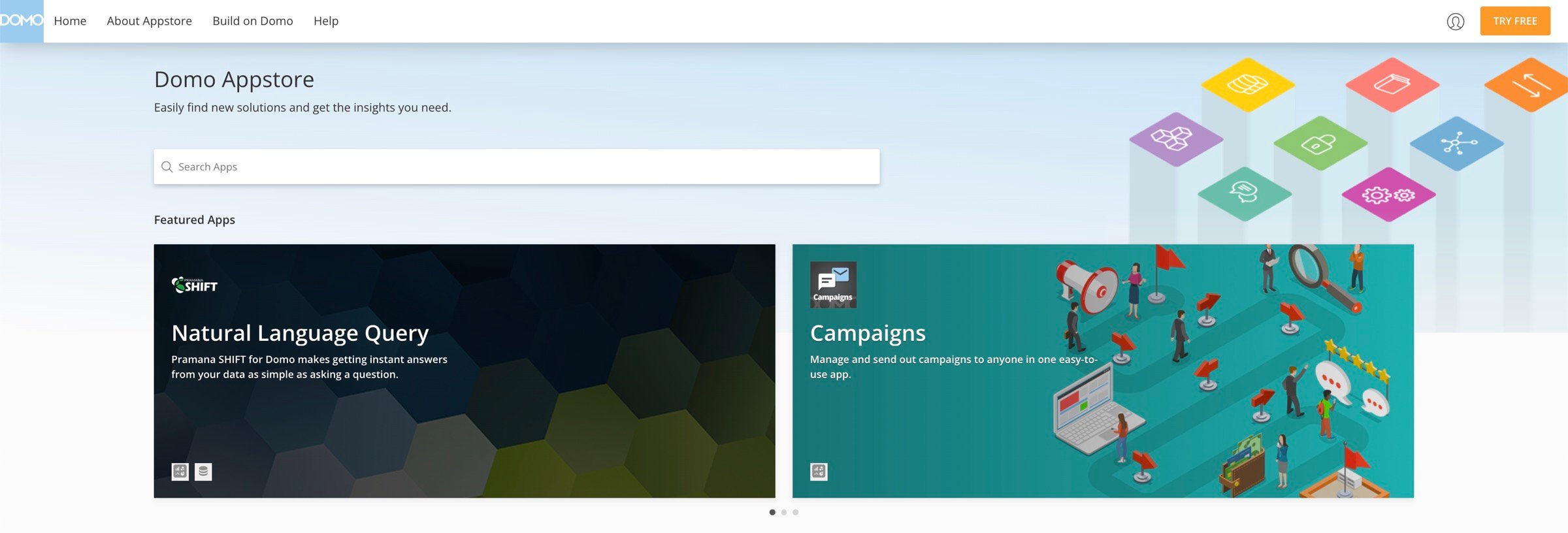
Visit the [Domo Appstore](https://www.domo.com/appstore/) to find premade dashboards and apps where you can plug in your data and go. You can also access our collection of hundreds of connectors to bring your data into Domo.
### Appstore
Visit the [Domo Appstore](https://www.domo.com/appstore/) to find premade dashboards and apps where you can plug in your data and go. You can also access our collection of hundreds of connectors to bring your data into Domo.
 ### Data
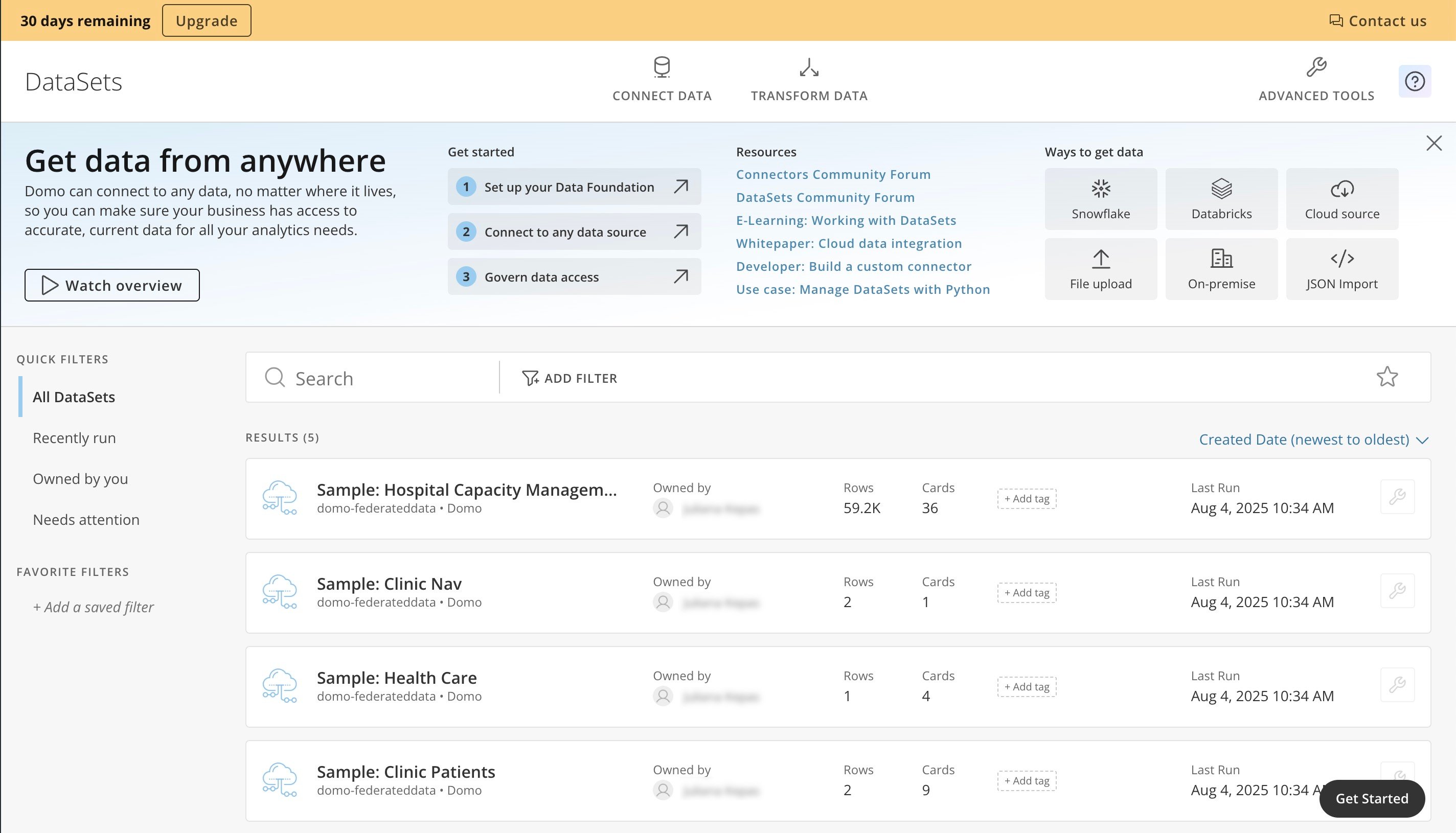
After you bring your data into Domo, you can access it in the DataSets feature. From the left navigation, select **Features** > **DataSets**.
### Data
After you bring your data into Domo, you can access it in the DataSets feature. From the left navigation, select **Features** > **DataSets**.
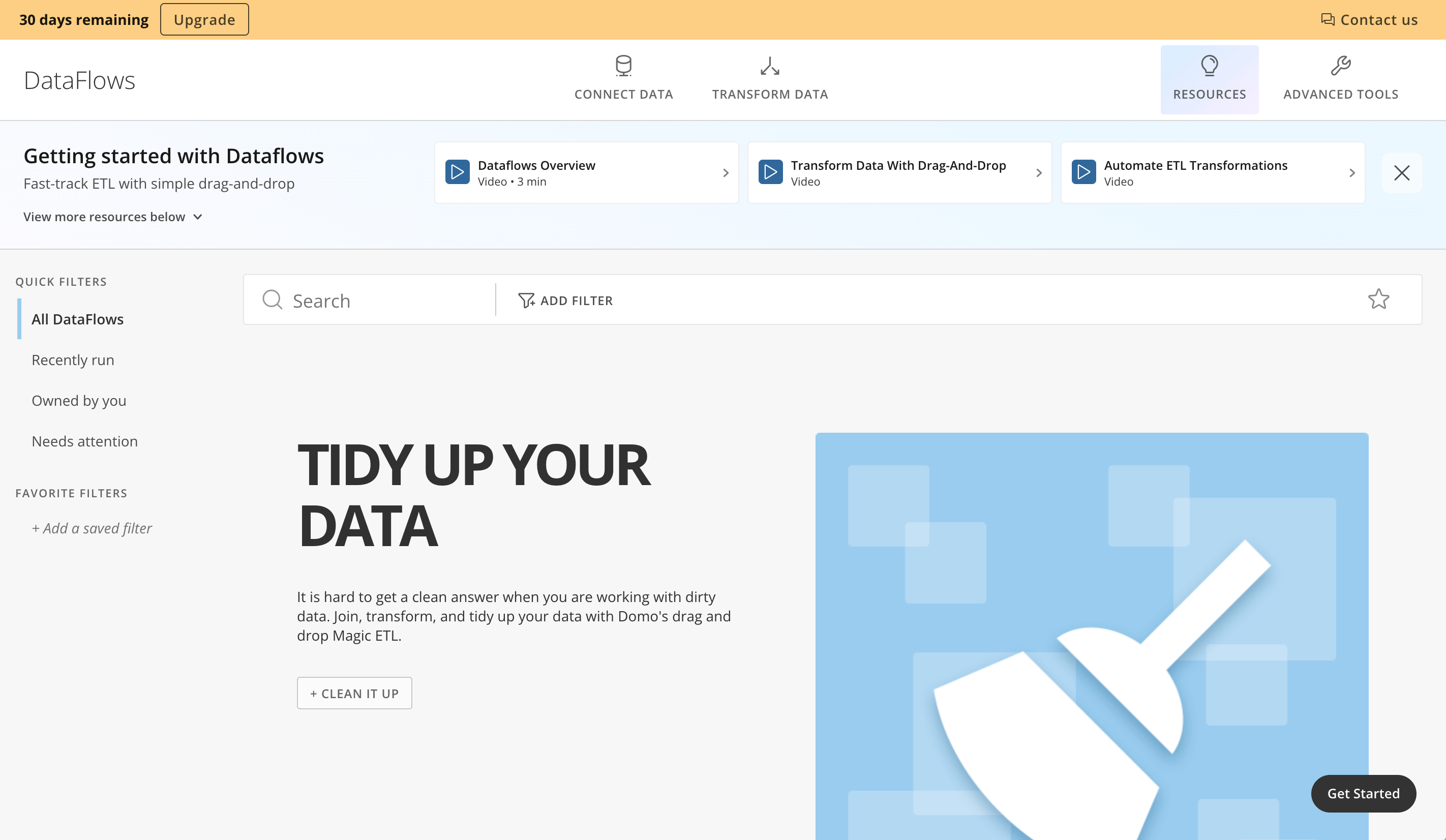
 Going to DataFlows in the left navigation (**Features** > **DataFlows**) allows you to use ETL (Extract, Transform, and Load) processes, which are crucial for preparing your data.
 ### Alerts
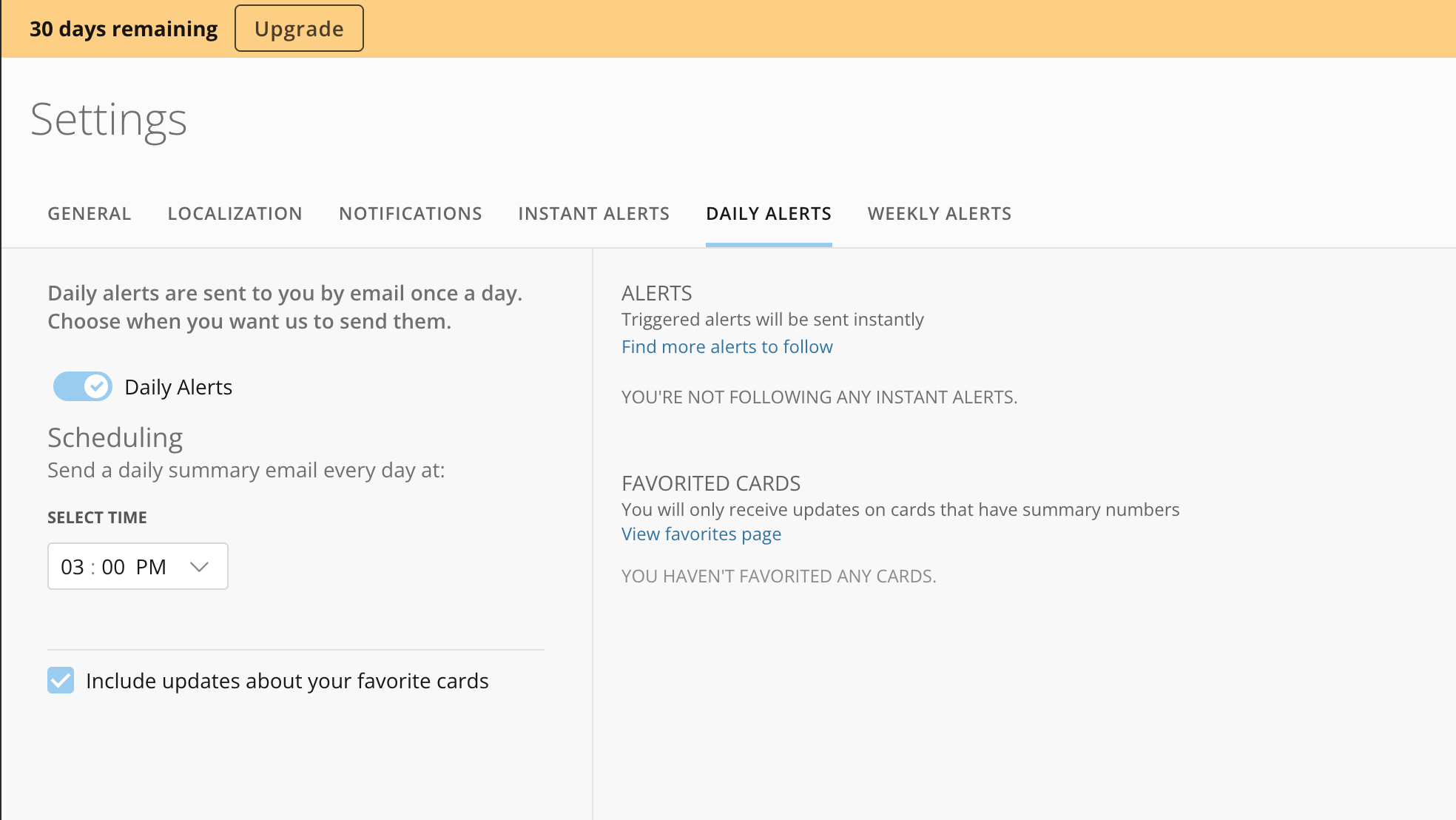
You can configure Alerts to notify you about significant changes, like a 20 percent drop in sales. They can be sent via email, text, or via the Domo app.\\
Learn more about [Alerts](https://domo-support.domo.com/s/article/360043430373).
### Alerts
You can configure Alerts to notify you about significant changes, like a 20 percent drop in sales. They can be sent via email, text, or via the Domo app.\\
Learn more about [Alerts](https://domo-support.domo.com/s/article/360043430373).
 ### User Profile
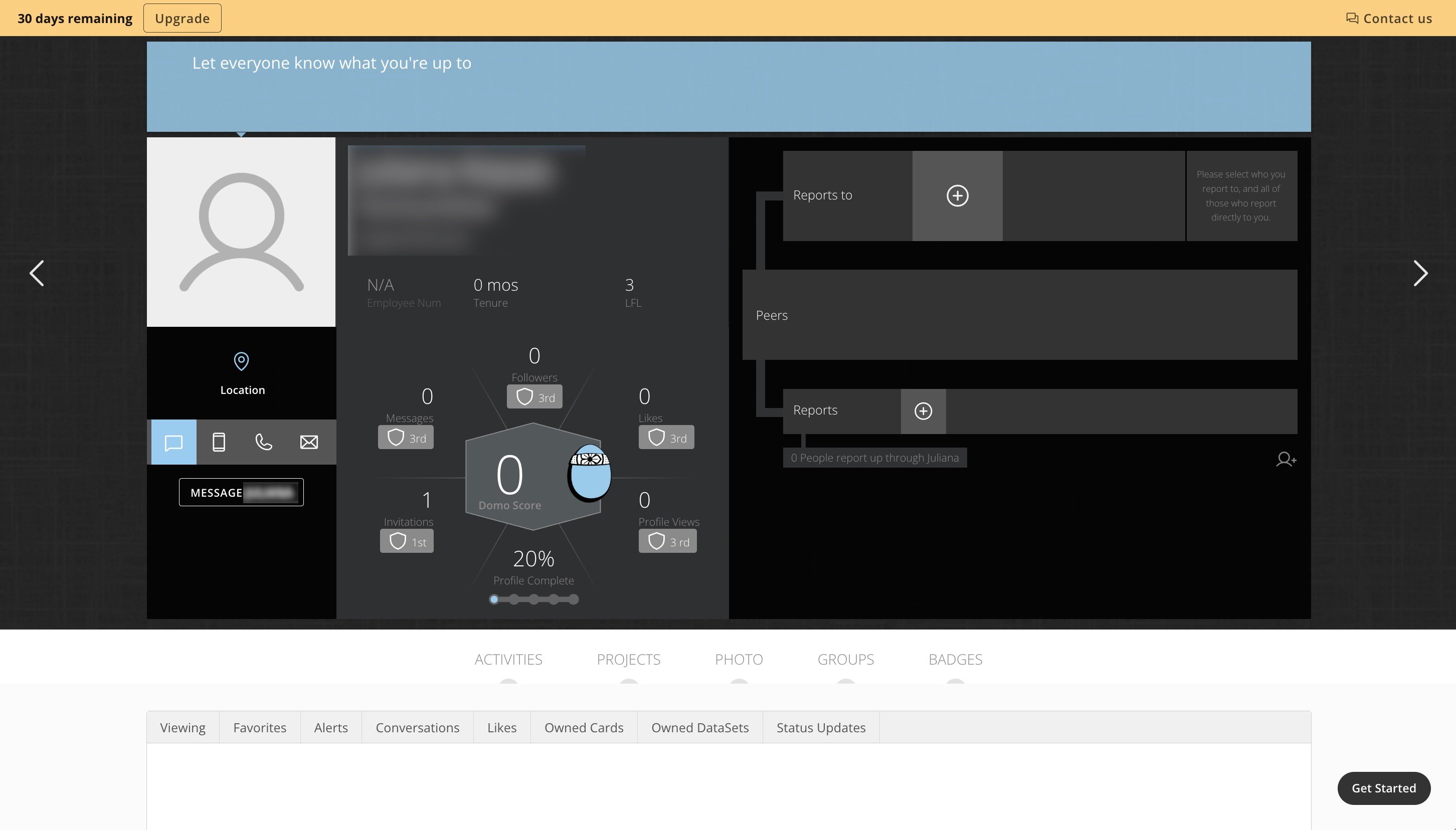
Choose your avatar at the bottom of the left navigation and select **Profile** to open your user profile.
### User Profile
Choose your avatar at the bottom of the left navigation and select **Profile** to open your user profile.
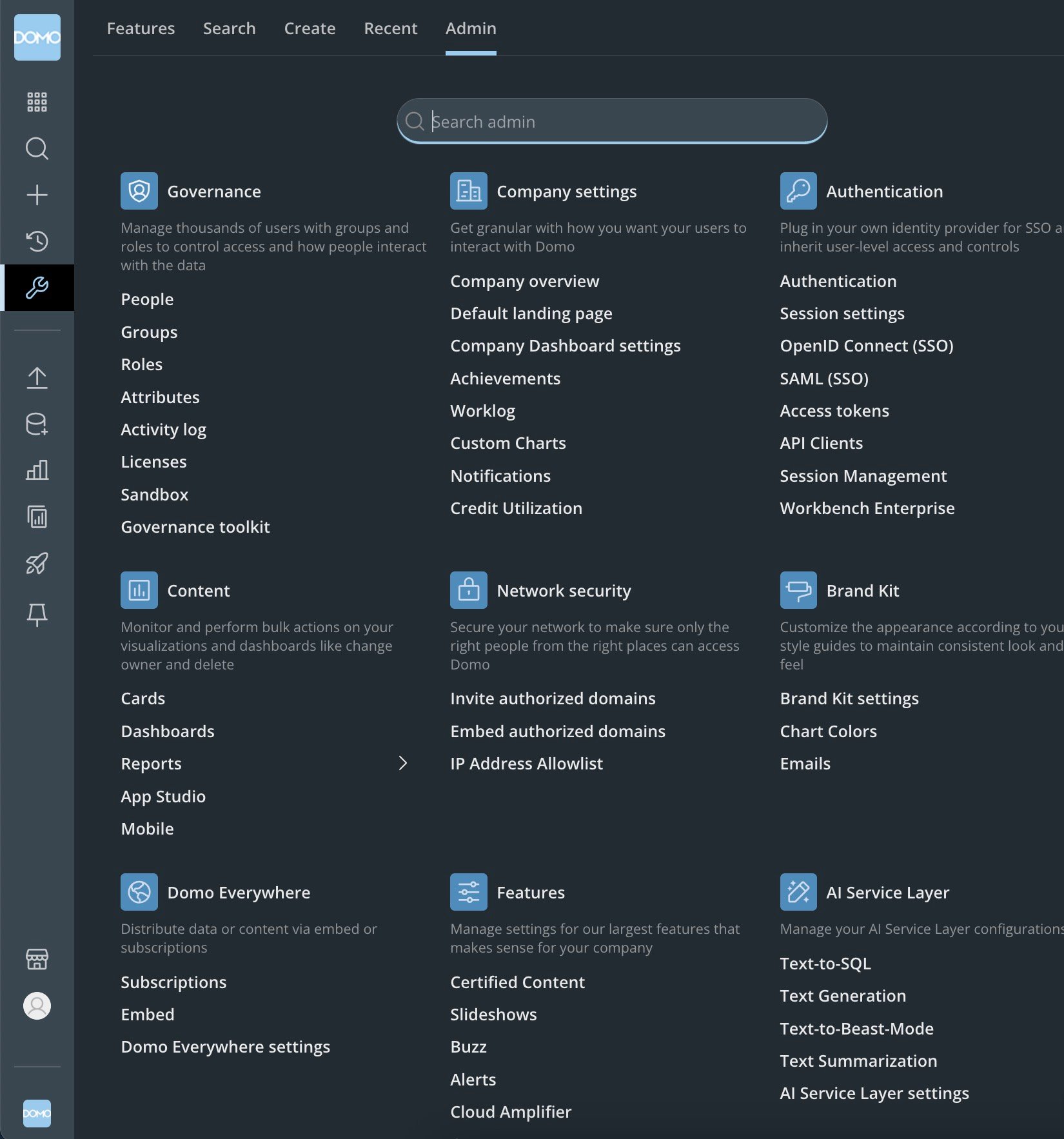
 ### Admin Settings
Going to **Admin** in the left navigation displays the admin settings.
### Admin Settings
Going to **Admin** in the left navigation displays the admin settings.
 ### Help Resources
There are many options to get help with Domo.
# Support
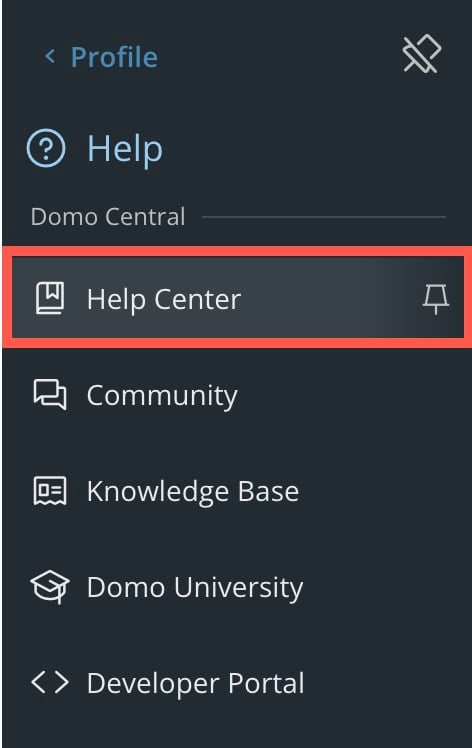
Follow these steps to contact our support team:
1. Choose your
avatar in the left navigation and select **Help Center**.
### Help Resources
There are many options to get help with Domo.
# Support
Follow these steps to contact our support team:
1. Choose your
avatar in the left navigation and select **Help Center**.
 2. In the Help Center, select **Support** in the top right corner.
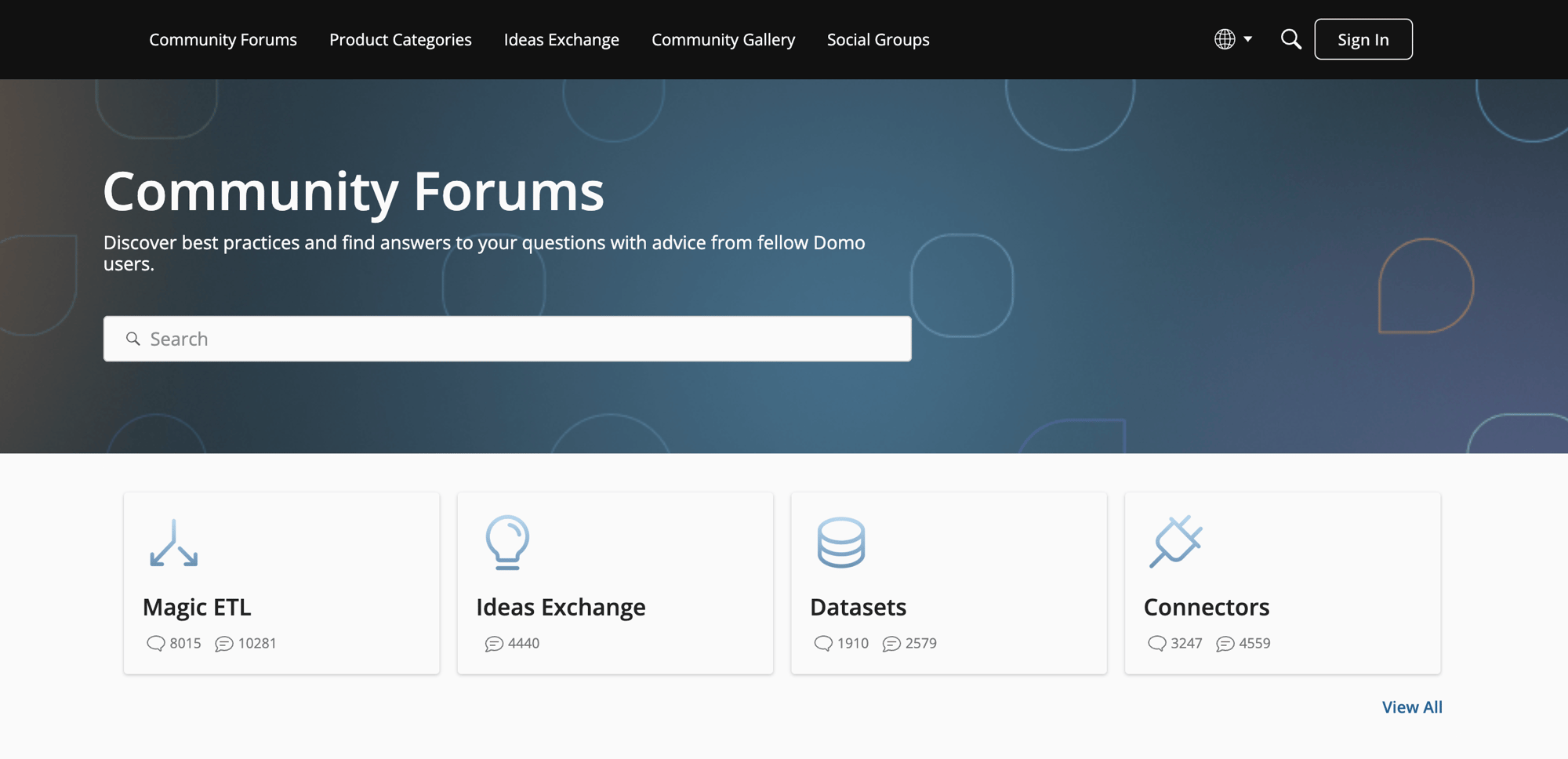
# Community Forums
The Community Forums are an excellent resource for questions, with an average response time of 30 minutes. Visit the [forums](https://community-forums.domo.com/main) .
2. In the Help Center, select **Support** in the top right corner.
# Community Forums
The Community Forums are an excellent resource for questions, with an average response time of 30 minutes. Visit the [forums](https://community-forums.domo.com/main) .
 # Education
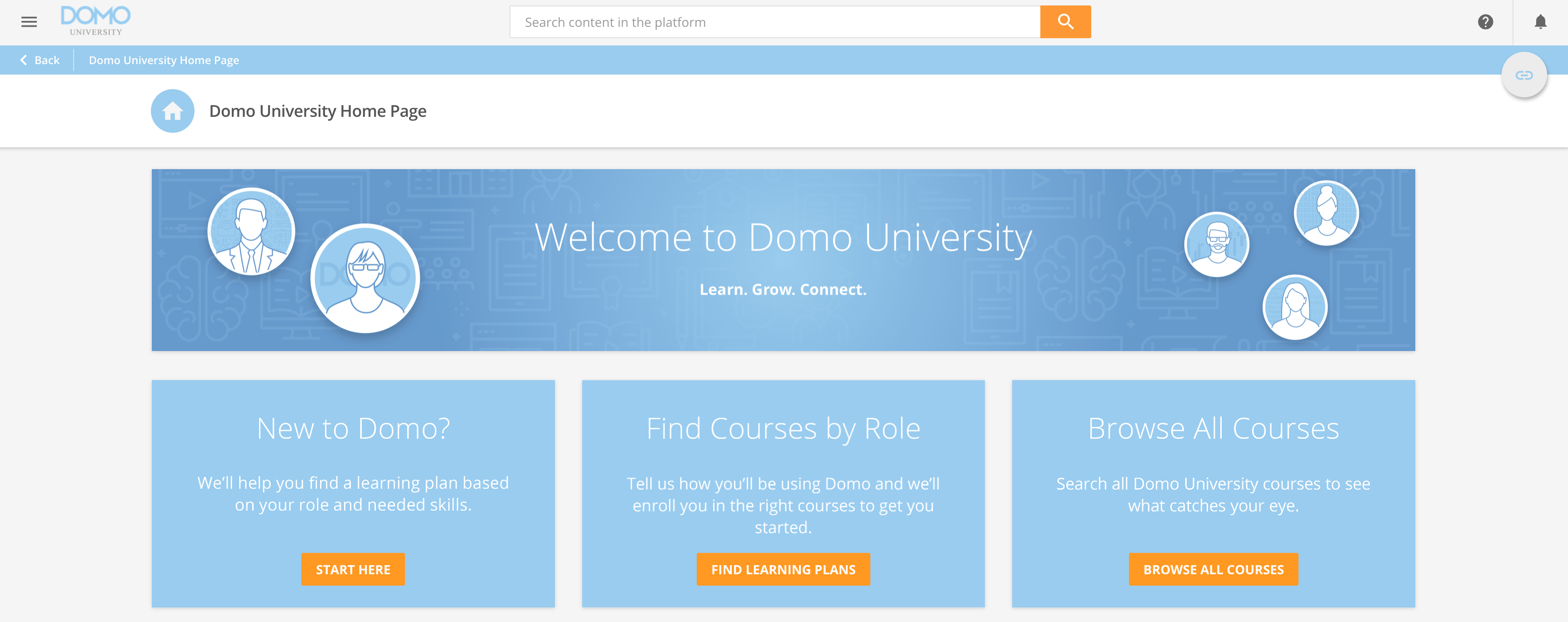
Domo Education offers self-paced, virtual, and in-person training courses, based on your Support + Education bundle. You can also complete the Domo certification and build your resume.
Visit [Domo University](https://www.domo.com/domo-central/university) or learn more about the [courses](https://domo-support.domo.com/s/article/360042935754) offered.
# Education
Domo Education offers self-paced, virtual, and in-person training courses, based on your Support + Education bundle. You can also complete the Domo certification and build your resume.
Visit [Domo University](https://www.domo.com/domo-central/university) or learn more about the [courses](https://domo-support.domo.com/s/article/360042935754) offered.