 ### Requirements and Notes
* User Hub ID is required to authenticate.
* Default date range: pulls all available data.
### Usage
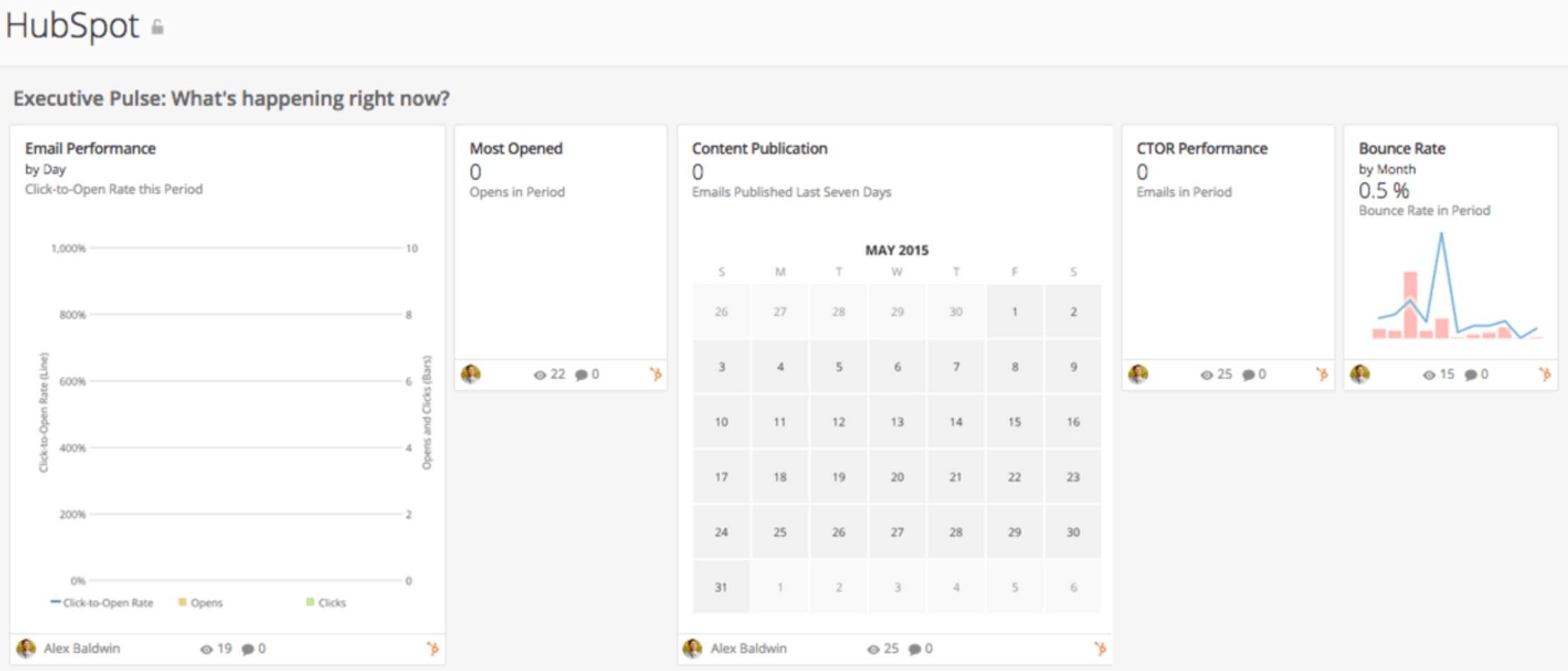
Executive Pulse: What's happening right now?
* Executive Pulse: What's happening right now?
* Bounce Rate
* Most Opened
* Email Performance
* Content Publication
* CTOR Performance
* Top Keywords by Visits
* Sends and Deliveries: Grow your email list without hurting your deliverability.
* Sends
* Leads by State
* Unsubscribe Rate
* Delivery Rate
* Unsubscribes
* Engagement: Increase your audience's response to your messaging.
* Click-Through Rate
* Top 20 Emails by Click-Through Rate
* Most Clicked Emails
* Visitors by Country
* Most Opened Emails
* Top 20 Campaigns
* Page Views by State
* Open Rate
* Click-to-Open Rate
### Authentication
### Requirements and Notes
* User Hub ID is required to authenticate.
* Default date range: pulls all available data.
### Usage
Executive Pulse: What's happening right now?
* Executive Pulse: What's happening right now?
* Bounce Rate
* Most Opened
* Email Performance
* Content Publication
* CTOR Performance
* Top Keywords by Visits
* Sends and Deliveries: Grow your email list without hurting your deliverability.
* Sends
* Leads by State
* Unsubscribe Rate
* Delivery Rate
* Unsubscribes
* Engagement: Increase your audience's response to your messaging.
* Click-Through Rate
* Top 20 Emails by Click-Through Rate
* Most Clicked Emails
* Visitors by Country
* Most Opened Emails
* Top 20 Campaigns
* Page Views by State
* Open Rate
* Click-to-Open Rate
### Authentication
Credential | Description |
|---|---|
Hub ID | Enter your Hub ID. You can find this at the bottom of your HubSpot dashboard. |
Report | Schedule Update Setting | Parameters | Selection |
|---|---|---|---|
Emails | Replace | Report | Emails |
Keywords | Replace | Report | Keywords |
Prospects | Replace | Report | Prospects |