> ## Documentation Index
> Fetch the complete documentation index at: https://domoinc-openapi-sync-dataflows.mintlify.site/llms.txt
> Use this file to discover all available pages before exploring further.
# Beast Mode AI Assistant
### Intro
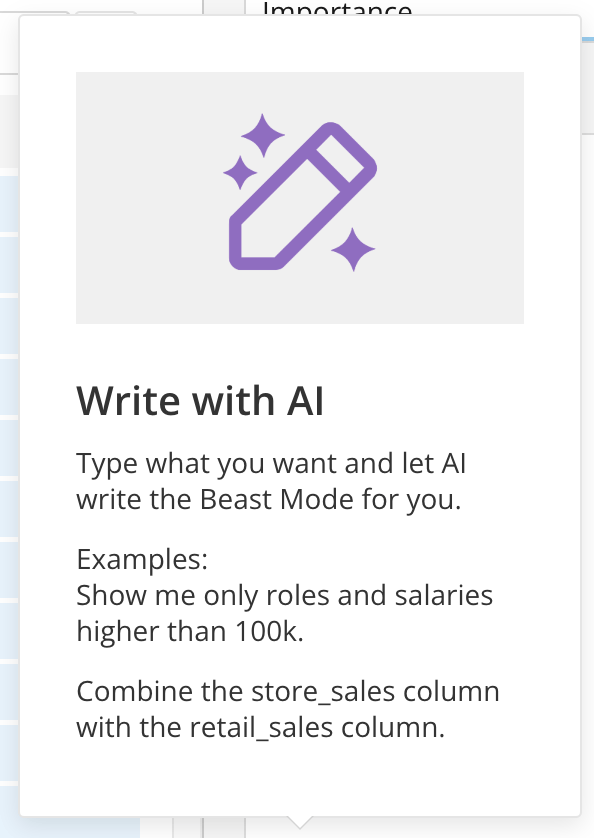
Writing Beast Mode formulas can be complex and time-consuming, even for advanced users. The Beast Mode AI Assistant now enables you to leverage the power of AI to write formulas quickly.
 ***
### Permissions
The Beast Mode AI Assistant is available to users who have the Use AI Services grant enabled for their role.
Learn about [Managing Custom Roles](/s/article/360043438973).
### Use Beast Mode AI Assistant to Create a Formula
1. Open the Beast Mode Editor. You can access it from within Analyzer or from Beast Mode Manager. From within Analyzer, select **Create Calculated Field** in the **DataSet** panel.
***
### Permissions
The Beast Mode AI Assistant is available to users who have the Use AI Services grant enabled for their role.
Learn about [Managing Custom Roles](/s/article/360043438973).
### Use Beast Mode AI Assistant to Create a Formula
1. Open the Beast Mode Editor. You can access it from within Analyzer or from Beast Mode Manager. From within Analyzer, select **Create Calculated Field** in the **DataSet** panel.
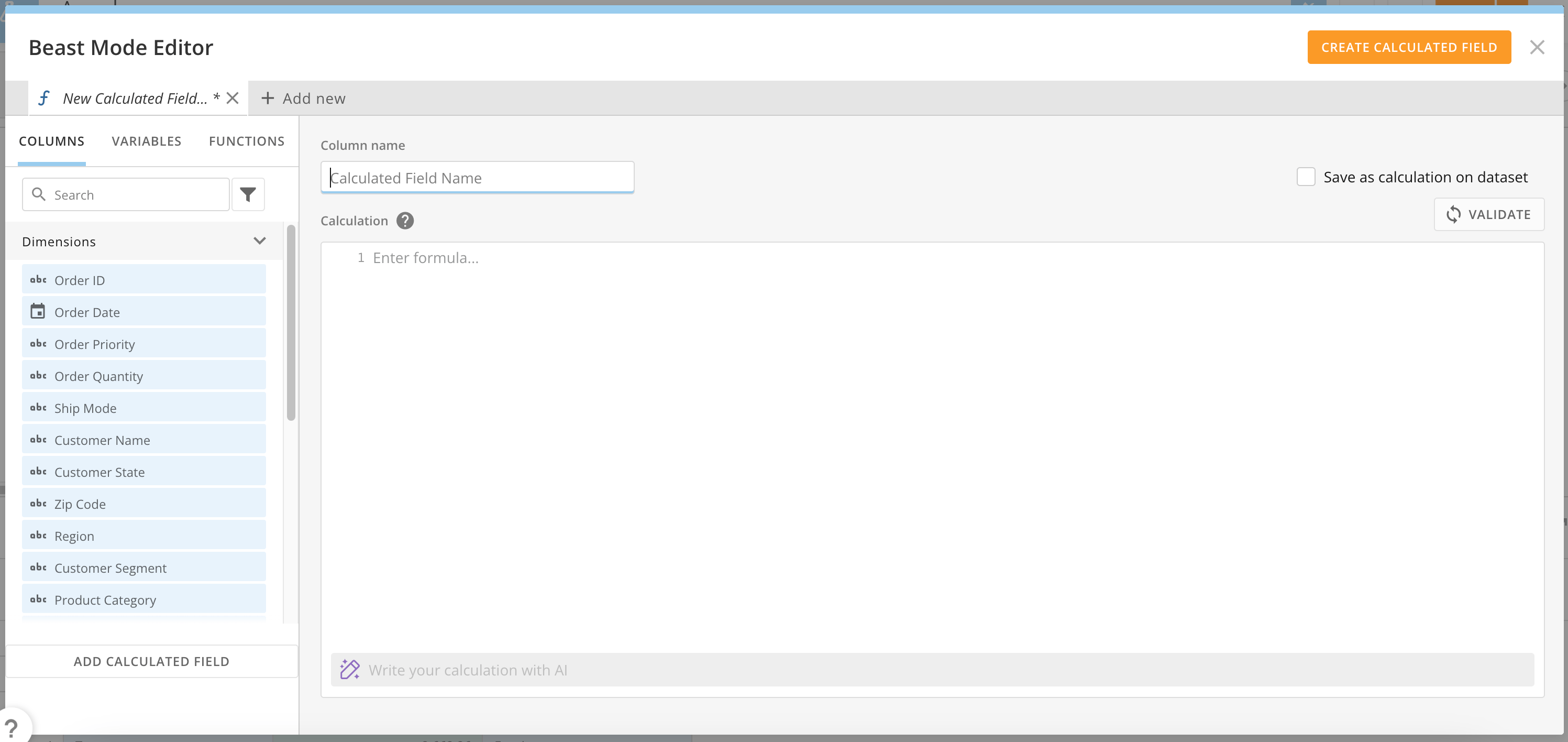 2. In the **Column name** field, enter a name for your calculation.
3. Near the bottom of the editor, enter a request for a Beast Mode calculation in natural language in the AI prompt line. In this example, we entered "Create a calculated field where if the order priority is Critical or HIgh it becomes Important, otherwise it's Not Important."
2. In the **Column name** field, enter a name for your calculation.
3. Near the bottom of the editor, enter a request for a Beast Mode calculation in natural language in the AI prompt line. In this example, we entered "Create a calculated field where if the order priority is Critical or HIgh it becomes Important, otherwise it's Not Important."
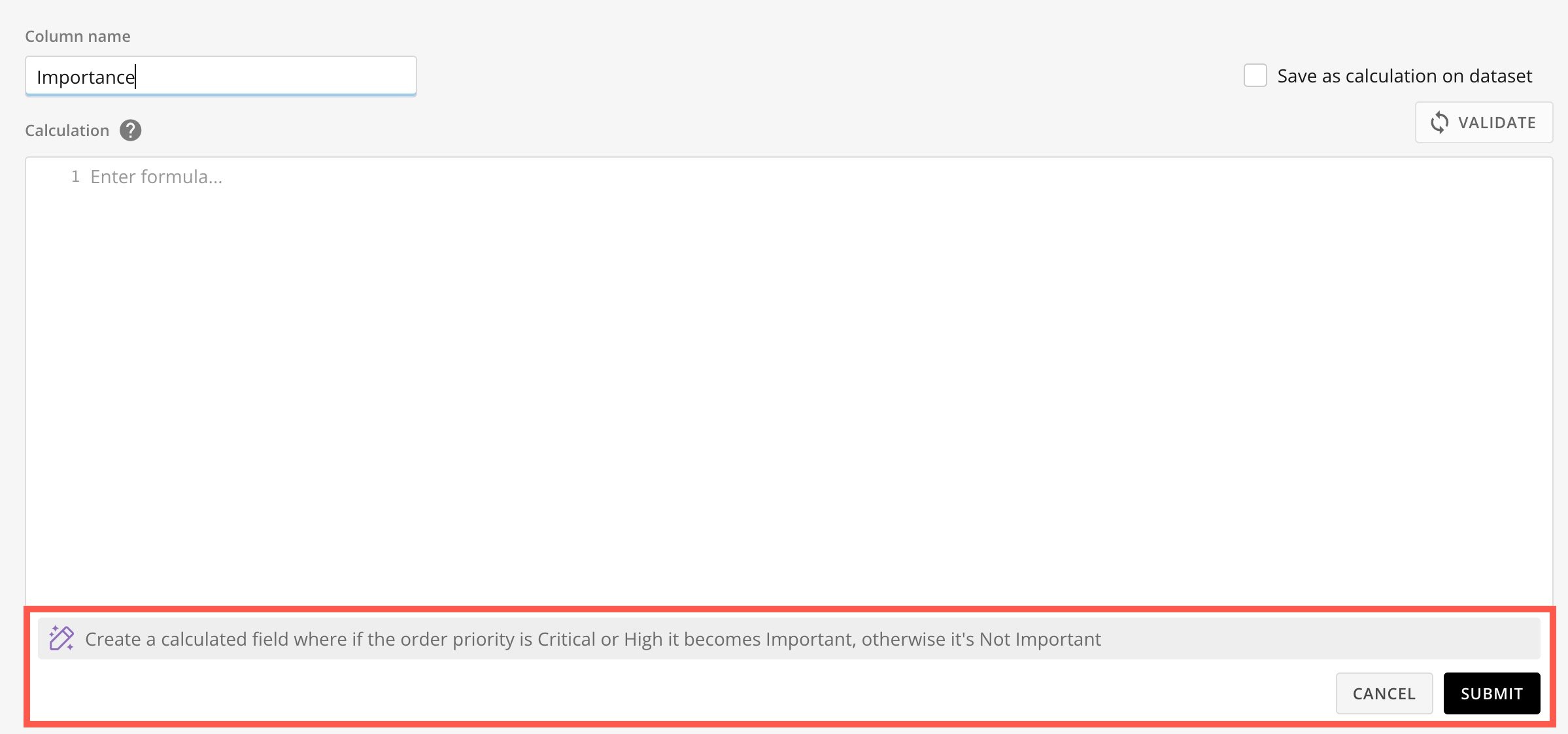 4. Select **Submit**.
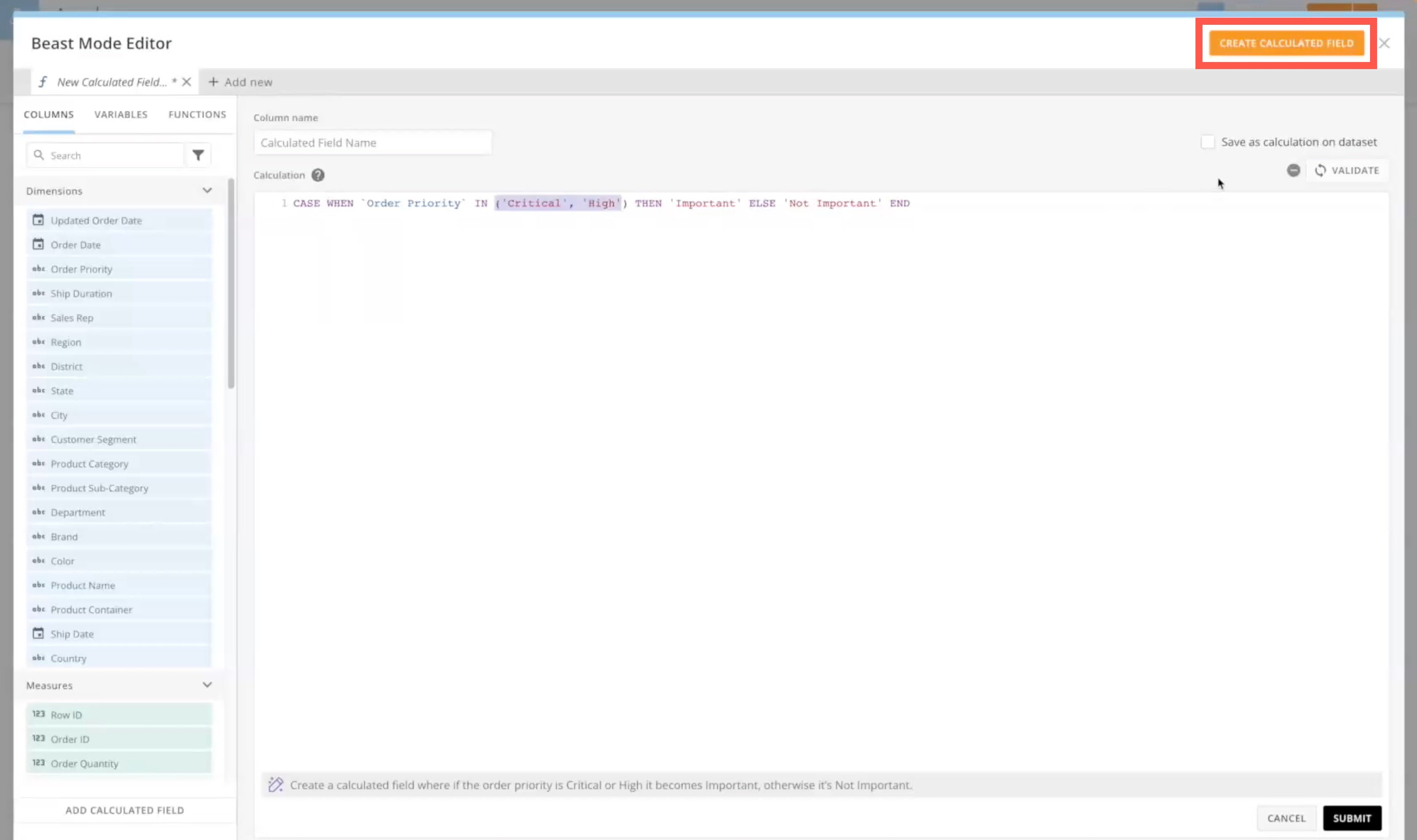
5. Review the formula. If it is valid, select **Create Calculated Field**.
4. Select **Submit**.
5. Review the formula. If it is valid, select **Create Calculated Field**.
 ### FAQ
No, we only send the DataSet schema (field names and types) within the AI prompt. This allows the AI model to use and include the columns in the calculation that it returns.
No. Because we are prompting an AI Service, results may vary. This tool is meant to help users generate Beast Mode calculations to use in their visualizations. Some modifications may be needed to ensure the correct results.
### FAQ
No, we only send the DataSet schema (field names and types) within the AI prompt. This allows the AI model to use and include the columns in the calculation that it returns.
No. Because we are prompting an AI Service, results may vary. This tool is meant to help users generate Beast Mode calculations to use in their visualizations. Some modifications may be needed to ensure the correct results.