> ## Documentation Index
> Fetch the complete documentation index at: https://domoinc-openapi-sync-dataflows.mintlify.site/llms.txt
> Use this file to discover all available pages before exploring further.
# Overview
Get data into and out of Domo. Whether data is stored in excel files, databases, cloud tools, on-prem systems, cloud warehouses, or even IoT devices, there are a wide-variety of ways to securely multiply the value of data in Domo.
* **Pre-built connectors**: [Connectors](https://www.domo.com/appstore/apps?appType=Connector) covering the most common data sources and systems.
* **Build your own connector**: Use Domo's [Connector Dev Studio IDE](/portal/Connectors/Custom-Connectors/overview) if a pre-built one doesn't exist yet.
* **[Connect via API](/portal/Connectors/api-connections/overview)**: Leverage the DataSet or Streams APIs.
* **[Cloud Amplifier](/s/article/4412849158167?language=en_US)**: Native integrations with cross-cloud systems like Snowflake and Databricks.
* **[Federated data queries](/portal/Connectors/federated-queries)**: Use federated adapters to query data directly from where you've already hosted it.
* **[Connect to on-prem data](/portal/Connectors/on-premises-data)**: Securely upload your on-prem data to Domo using Workbench.
* **[Jupyter Workspaces](/s/article/36004740075?language=en_US)**: Domo offers Jupyter Workspaces with both Python and R kernels, which can be used to move data in and out of Domo.
* **[Domo CLI](/s/article/360043437733?language=en_US)**: Often useful to ingest massive DataSets.
### Pre-built connectors
***
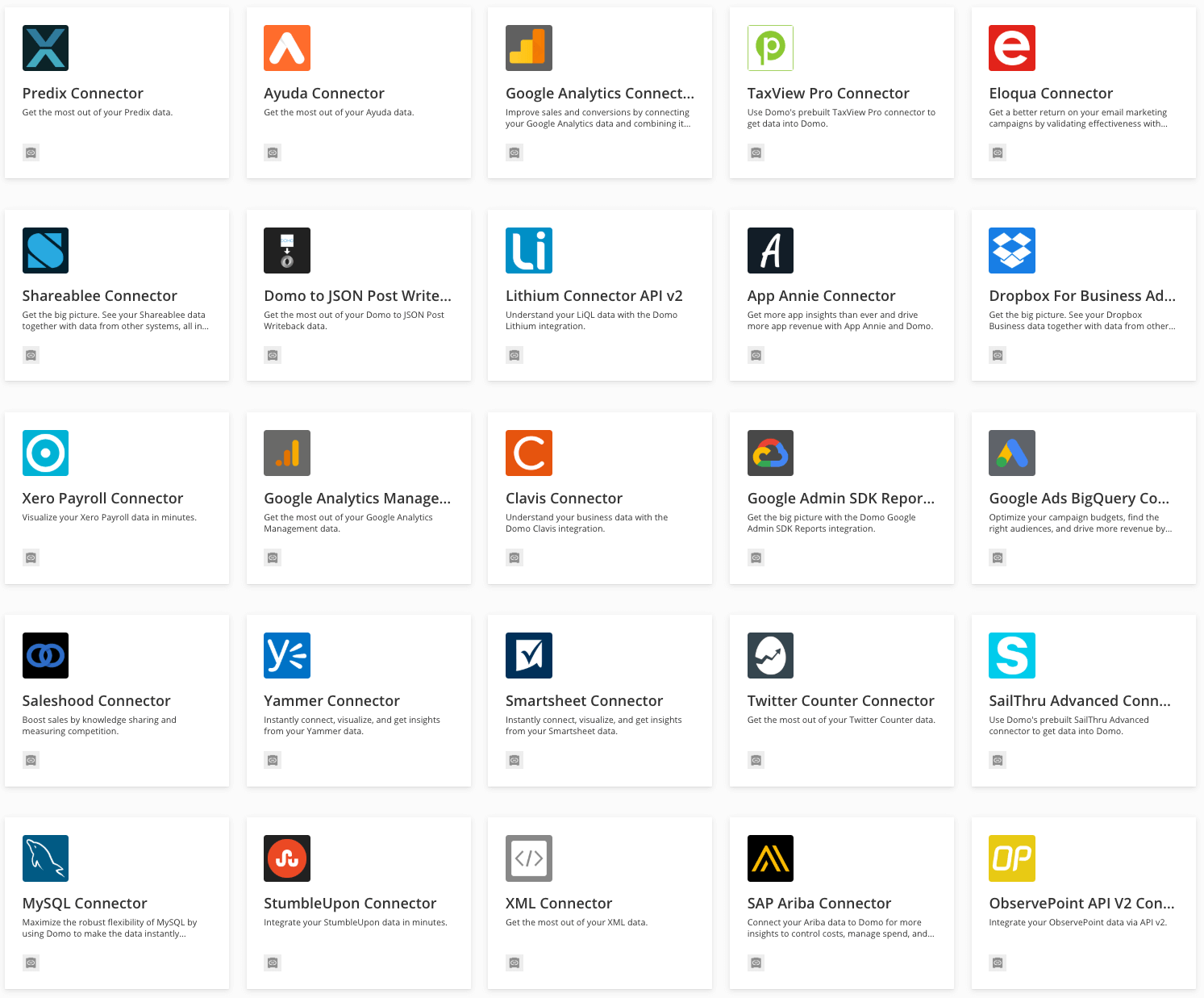
You can see existing Connectors by navigating to the Connectors page in the [Domo Appstore](https://www.domo.com/appstore/apps?appType=Connector).
 ### Custom Connectors
***
If an existing Connector doesn't fit your needs, Domo provides the ability to build Custom Connectors through the [Connector Dev Studio IDE](/portal/Connectors/Custom-Connectors/overview). There are two kinds of connectors you can build:
1. **[Standard Custom Connector](/portal/Connectors/Custom-Connectors/overview)**: Pull data from an external cloud system into a Domo DataSet
2. **[Writeback Connector](/portal/Connectors/Writeback-Connectors/writeback-connectors)**: Push DataSets to third-party file storage applications instead of pulling data from those applications into Domo.
### Connect via API
***
You can programmatically interact with Domo DataSets through the DataSet API or the Streams API (for larger DataSets).
Common use-cases:
* [**Import and Export Data**](/portal/Connectors/api-connections/import-and-export-data) into DataSets
* [**Manage DataSets**](/portal/Governance/data-management)
* Change DataSet Owner
* Update DataSet Schema
* [**Apply Personalized Data Permissions (PDP)**](/portal/Governance/pdp) to DataSets
Looking to get started connecting to DataSets via API? Check out the DataSet API [**Quickstart**](/portal/Connectors/api-connections/quickstart).
**Note**
To import data in CSV format, please follow the [**Domo specification for representing data grids in CSV format**](/portal/Connectors/api-connections/format-data-to-import).
### Custom Connectors
***
If an existing Connector doesn't fit your needs, Domo provides the ability to build Custom Connectors through the [Connector Dev Studio IDE](/portal/Connectors/Custom-Connectors/overview). There are two kinds of connectors you can build:
1. **[Standard Custom Connector](/portal/Connectors/Custom-Connectors/overview)**: Pull data from an external cloud system into a Domo DataSet
2. **[Writeback Connector](/portal/Connectors/Writeback-Connectors/writeback-connectors)**: Push DataSets to third-party file storage applications instead of pulling data from those applications into Domo.
### Connect via API
***
You can programmatically interact with Domo DataSets through the DataSet API or the Streams API (for larger DataSets).
Common use-cases:
* [**Import and Export Data**](/portal/Connectors/api-connections/import-and-export-data) into DataSets
* [**Manage DataSets**](/portal/Governance/data-management)
* Change DataSet Owner
* Update DataSet Schema
* [**Apply Personalized Data Permissions (PDP)**](/portal/Governance/pdp) to DataSets
Looking to get started connecting to DataSets via API? Check out the DataSet API [**Quickstart**](/portal/Connectors/api-connections/quickstart).
**Note**
To import data in CSV format, please follow the [**Domo specification for representing data grids in CSV format**](/portal/Connectors/api-connections/format-data-to-import).